On-brand images, made from the products you actually sell
Every picture PlanMedia makes starts from a real photograph of your product or your place, so the bag, the dish or the room in the post is the one a customer will get.
Last updated:

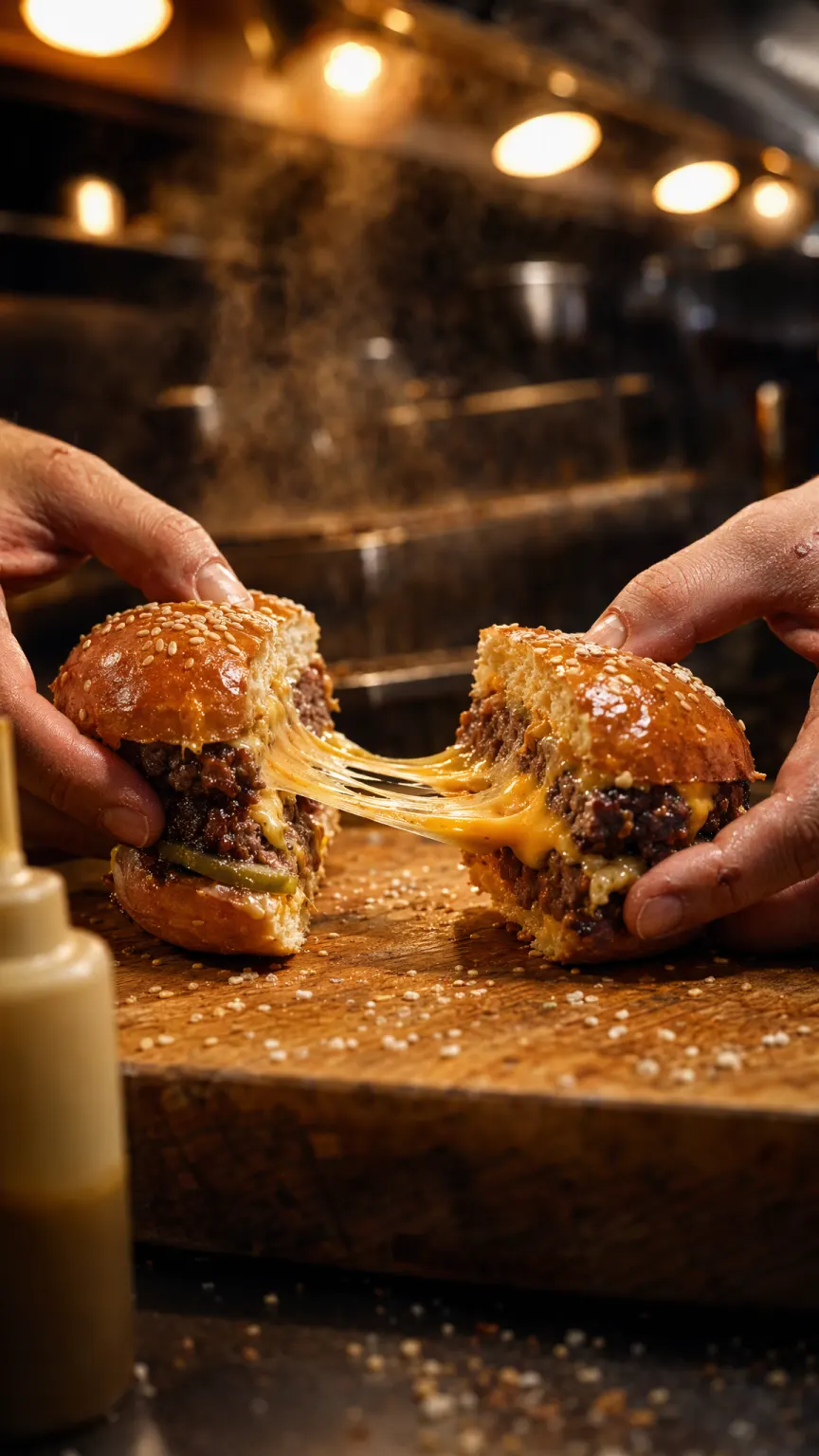
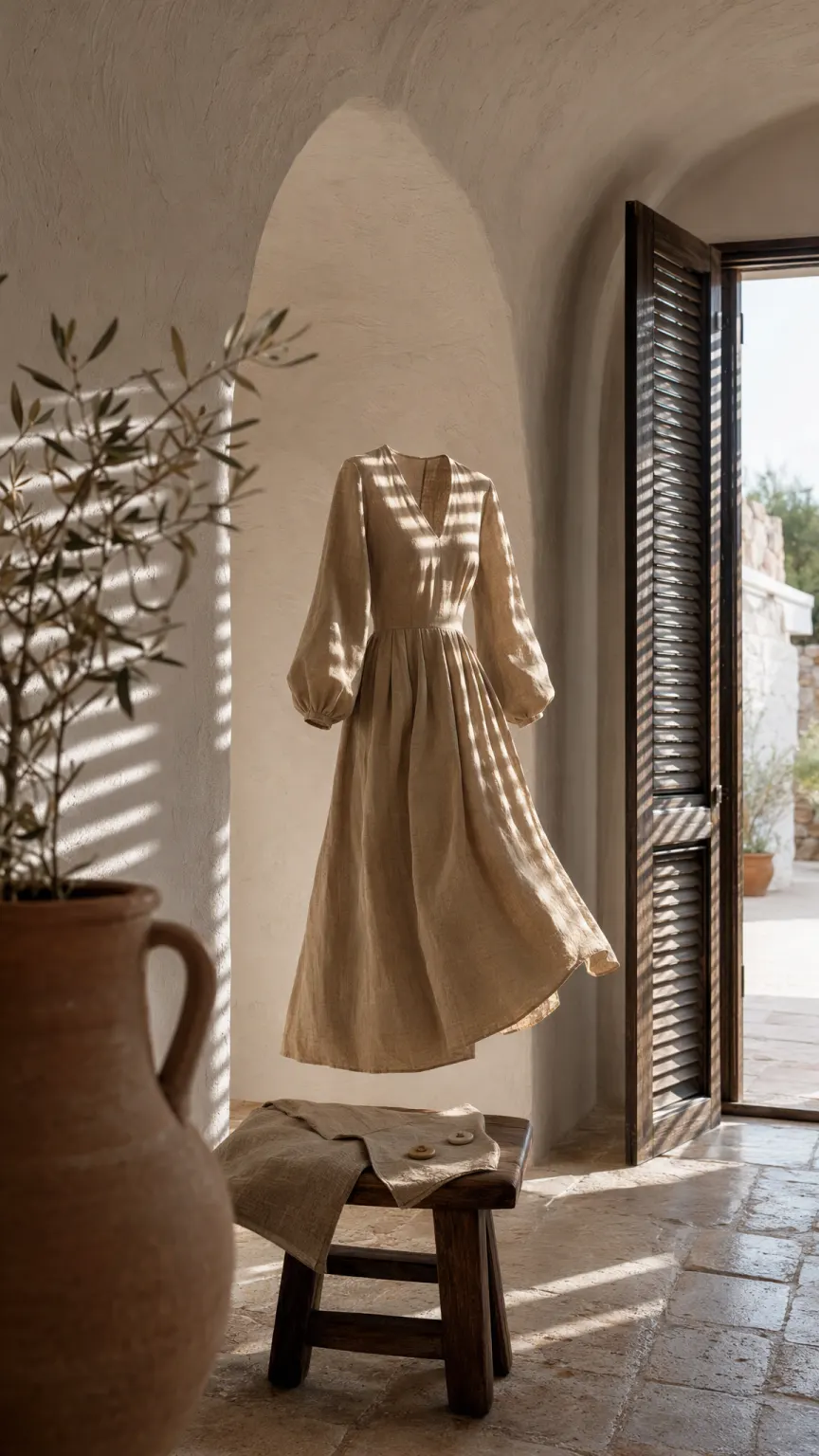

Why images anchored to real photographs matter
A general image generator invents a convincing lookalike. That is fine for a mood board and a problem for a shop: the bag in the picture has a strap your bag does not have, and somebody orders it. PlanMedia works the other way round. Each product, place and person in your Brand Hub is an @element with its own photographs, and a picture of it is edited from those photographs rather than imagined from a description.
The Creative Director gives each piece one idea, the Visual Director chooses the light, lens and framing that carry it, and the Brand Guardian is the last check before anything reaches you. The team is instructed never to add to the product or take anything away from it.
Sizes each format is made in
| Format | Shape | Where it goes |
|---|---|---|
| Post | 4:5 portrait | Instagram, Facebook, LinkedIn, X |
| Carousel | 1:1 square slides | Instagram, Facebook, LinkedIn |
| Story | 9:16 full screen | Instagram, Facebook |
| Reels | 9:16 full screen | Instagram, Facebook, TikTok |
| Shorts | 9:16 full screen | YouTube, TikTok |
How an image is made
- 1
Add the product once
Upload its photographs to the Brand Hub, or let your website or Shopify store bring them in.
- 2
Plan or ask
The month's plan asks for pictures on its own, or you ask the Orchestrator for one and tag the product with its @handle.
- 3
Keep, remake or download
Approve it, ask for another take, or download it at full size. Files are named with the date and the brand, so you can always trace where one came from.
Questions people ask
Will the product look like the real one?
That is what the Brand Hub is for. Each product is an @element with its own photographs, and its picture is edited from them. The team is told never to add to the product or remove anything from it.
Can I use my own product photos?
Yes, and you should. Upload them to the product's @element in the Brand Hub, or let PlanMedia read them from your website or Shopify store. Every image of that product starts from them.
How much does an image cost?
Five credits per image. A caption is one credit and a film is forty. If a render fails, the credits are returned automatically.
Keep reading
- The brand kit the agents read before they write a wordPlanMedia's Brand Hub holds your products, places and people as @elements with their own photographs, plus your colours, voice, languages and rules. Every piece the AI makes follows it.Read
- Reels and Shorts from a single product photoPlanMedia turns a product photograph into a vertical film for Reels, Stories, TikTok and YouTube Shorts. Every film is storyboarded first and renders only after you approve the storyboard.Read
- How to turn product photos into ReelsTurn a product photo into a vertical video: pick the right photo, show the product in the first half second, plan one continuous camera move, and keep the product exactly as it is.Read